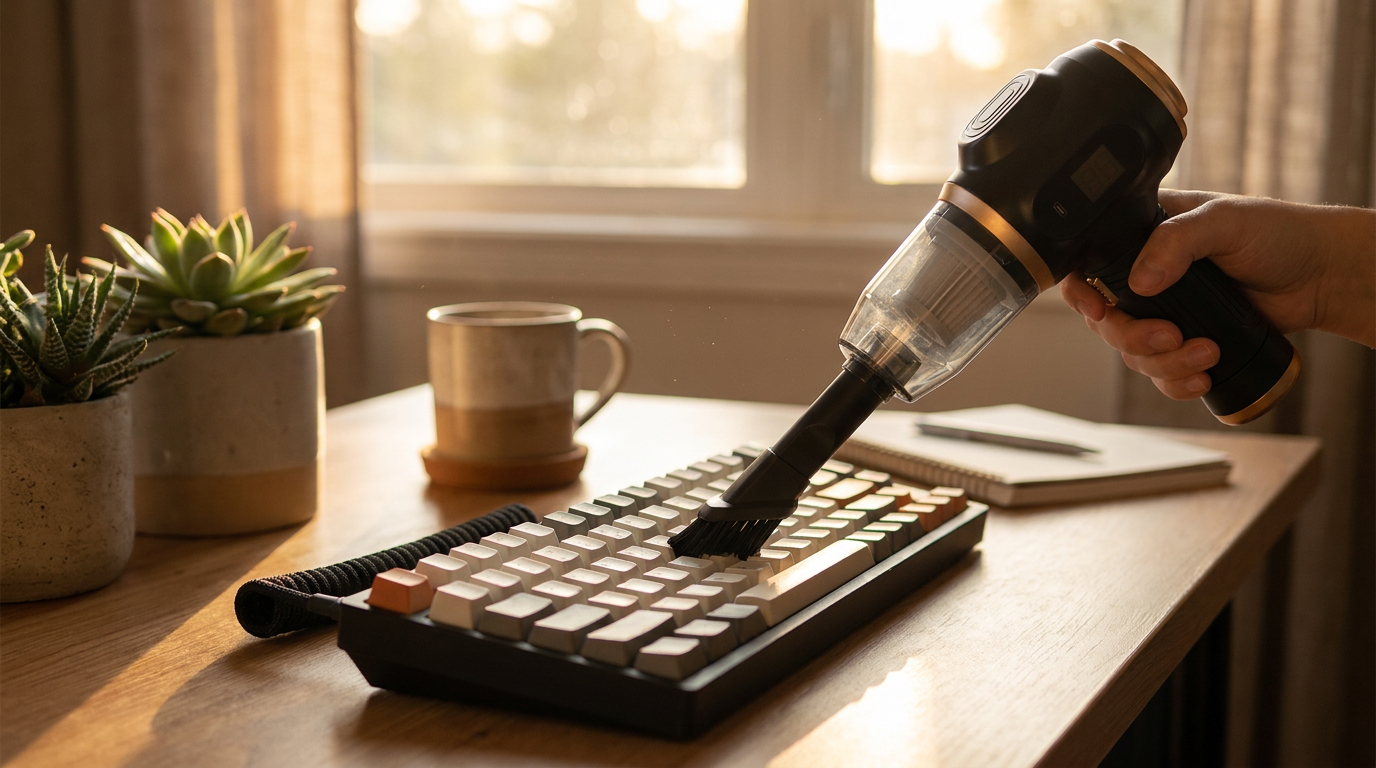
Mini Vacuum Tips for Deep Cleaning Keyboards and Desks
 Sam VasquezBuying Guide Lead
A high-performance mechanical keyboard is essential for gaming and professional workstations, but it is also a magnet for dust, crumbs, and pet hair. These particles degrade switch performance, leading to missed inputs and a shorter hardware lifespan. While many resort to shaking their keyboard or using compressed air, these methods often fall short. The 6-in-1 Portable Vacuum offers a powerful, safe solution to restore your keyboard and maintain a pristine desk.
Why a Specialized Mini Vacuum is Essential for Your Desk
Your desk is a high-traffic area. From snacking to settling dust, keyboard crevices become collection pits. Traditional methods are often ineffective; canned air can blow debris deeper into the housing or into PC vents. Cheap USB vacuums frequently lack the suction required to lift anything heavier than light dust.
A dedicated mini vacuum provides the precision and power needed to extract debris without causing damage. This prevents the buildup that causes sticky keys, ensures hygiene, and protects the reliability of sensitive electronics.
A Step-by-Step Guide to Cleaning Your Mechanical Keyboard
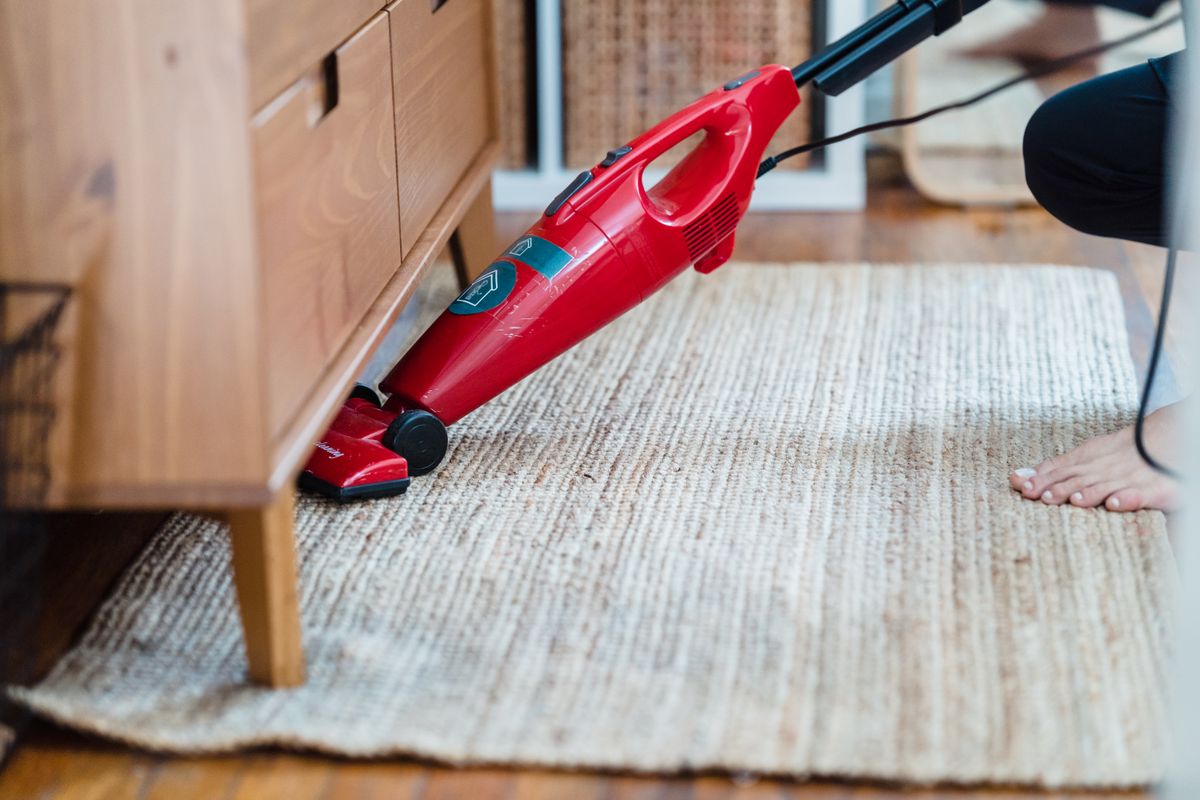
Photo by Liliana Drew on Pexels
The 6-in-1 Portable Vacuum simplifies deep cleaning with its dual-action blower and vacuum functions. Follow these steps for a flawless clean:
Beyond the Keyboard: A Complete Workspace Detailing Tool
The 6-in-1 Portable Vacuum is a versatile tool for maintaining a pristine workspace. Use the attachments for other common problem areas:
- PC Vents and Fans: Use the blower to clear dust from intake fans, improving airflow.
- Desk Organizers: The crevice tool is ideal for pencil holders and supply trays.
- Monitors and Speakers: Dust speaker grilles and monitor bases with the soft brush.
- Mousepads and Desk Mats: Vacuum crumbs to ensure smoother mouse tracking.
One honesty clause calibrates all three tiers: eating at the desk roughly doubles the required frequency, and no vacuum schedule out-cleans a daily sandwich. The other boundary is liquid — a vacuum of this class is for dry debris only, and a coffee spill into a keyboard is an unplug-flip-and-drain emergency followed by patient drying, not a suction job. Trying to vacuum a fresh spill accomplishes two things: it spreads the coffee and retires the vacuum.
6-in-1 Portable Vacuum vs. Canned Air & USB Gimmicks
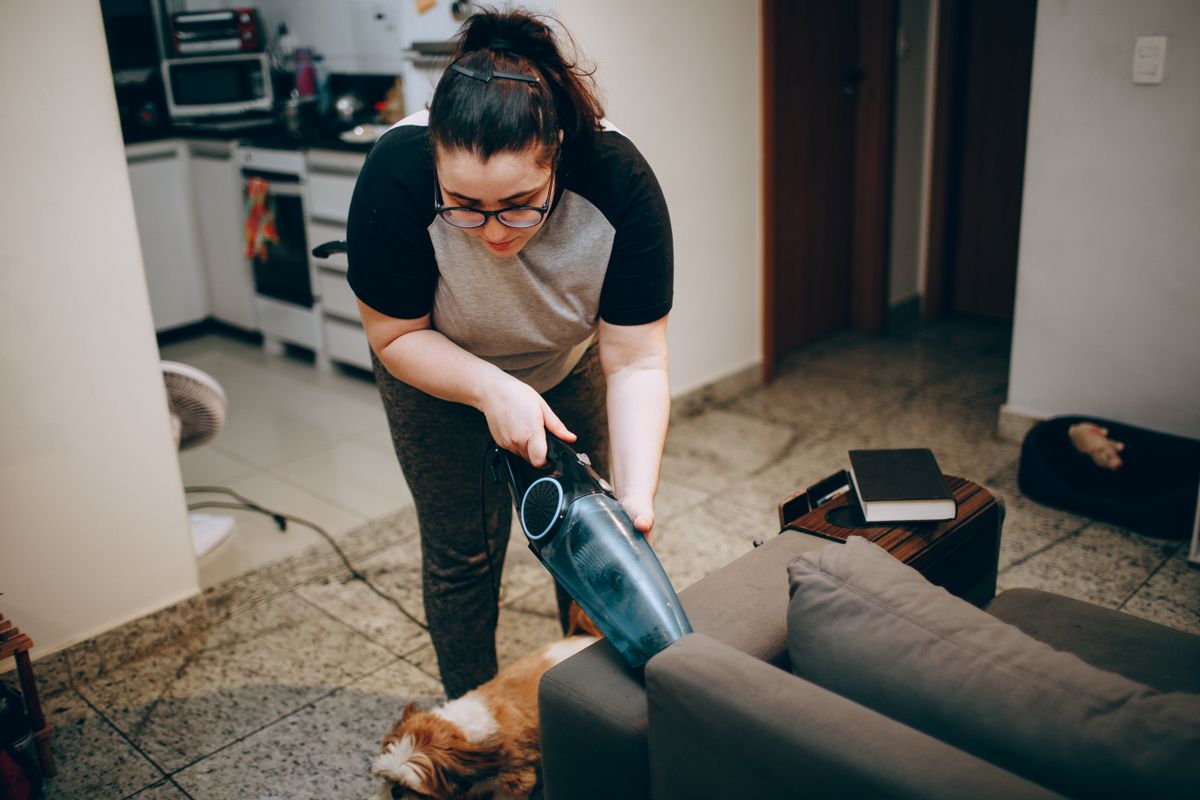
Photo by Helena Lopes on Pexels
The 6-in-1 Portable Vacuum stands above common alternatives:
- Canned Air: Cans lose pressure and may spray propellant onto electronics. As noted by PC Gamer, you must remove debris, not just relocate it.
- Cheap USB Vacuums: These lacks the static pressure needed to lift embedded hair. The 6-in-1 Portable Vacuum delivers robust suction, effective for tasks like removing stubborn pet hair from upholstery.
Frequently Asked Questions
Is the 6-in-1 Portable Vacuum safe for sensitive electronics?
Yes. The attachments are non-conductive plastic to prevent static discharge. The suction is calibrated for electronics, cleaning effectively without dislodging keycaps.How often should I clean my mechanical keyboard?
A light weekly cleaning is recommended. A deep clean should be performed every month or two to prevent buildup and keep keys responsive.Can this vacuum damage my keycaps or switches?
No. The soft-bristle brush is gentle on finishes. Avoid applying excessive downward force with the hard crevice tool directly on the keys; use it for the spaces between.