
Car Vacuum Smart Display & Battery Indicator Guide
Rule of thumb: Disconnect USB-C charging within 10 minutes after the smart display indicator turns solid green (100% state of charge) and recharge immediately when lights flash red (below 15% capacity). Always maintain vehicle charging between 32°F and 113°F (0°C–45°C) to prevent irreversible lithium-ion degradation.
Essential Smart Display & Battery Maintenance Rules
- Solid Green LED signals 100% full charge at 4.2V per cell; disconnect USB-C promptly.
- Flashing Red LED during operation indicates battery level is below 15%; charge immediately.
- Flashing Red LED when plugged in indicates thermal lockout above 113°F (45°C); allow 15 minutes to cool.
- 19,000Pa suction power remains constant down to the 5% battery safety cutoff threshold.
- Extreme vehicle cabin heat (>113°F) causes 25-35% annual battery capacity loss if left unmanaged.
- Solid Green LED: Signals a 100% full charge at 4.2V per cell; disconnect the 5V/2A USB-C cable promptly to prevent standby trickle wear.
- Flashing Red LED (During Use): Indicates battery level has dropped below 15% (under 14.2V total system voltage); power off immediately to prevent deep cell discharge.
- Flashing Red LED (When Plugged In): Triggers thermal protection circuit when internal battery temperature exceeds 113°F (45°C) after intensive 50,000 RPM operation.
- 19,000Pa Constant Suction: Digital motor controllers maintain peak suction pressure until 5% battery capacity, where automatic low-voltage safety cutoff initiates.
- Thermal Operating Envelope: Charge strictly between 32°F and 113°F (0°C–45°C); storing a fully charged lithium battery in a 140°F summer trunk destroys 25% to 35% of total battery capacity annually.
Belibuy 6-in-1 Smart Display & Charging Technical Specs
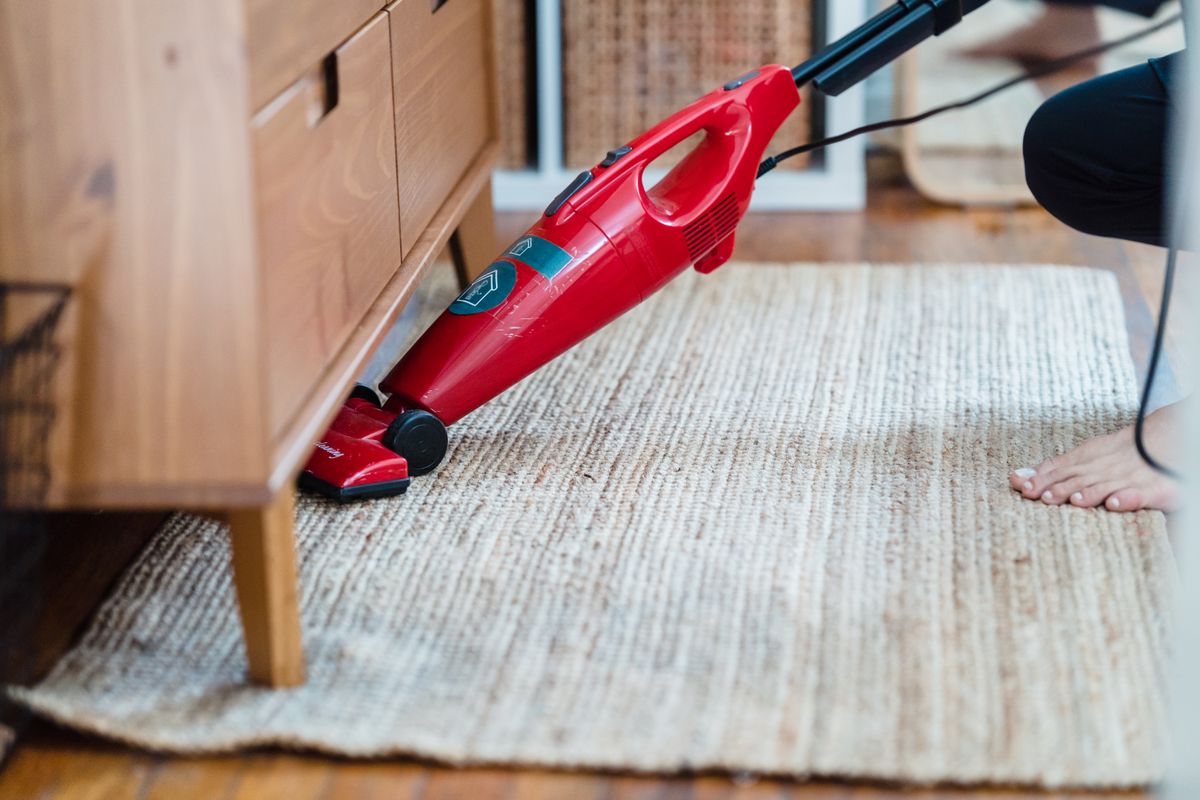
Photo by Liliana Drew on Pexels
| Specification Category | Technical Parameter | Operational Relevance |
| --- | --- | --- |
| Motor Speed & Power Draw | 50,000 RPM brushless motor / 120W draw | Generates 19,000Pa peak vacuum pressure requiring high discharge rate C-rating cells. |
| Battery Configuration | 2000mAh x 2 High-Drain Lithium-Ion Cells | Provides 15–20 minutes of continuous high-suction or air-duster cleaning per charge. |
| Smart Display Output | Dual-color LED (Red / Green) state indicator | Displays real-time battery status, charging progress, and thermal lockouts. |
| Charging Interface & Rate | 5V / 2A USB-C Input Port | Achieves 0% to 100% full charge in 2.0 to 3.0 hours from standard power blocks. |
| Thermal Protection Threshold | Cutoff at > 113°F (45°C) charge / > 140°F (60°C) discharge | Prevents thermal runaway during extreme dashboard or vehicle trunk exposure. |
| Filter & Particle Specs | Washable HEPA filter (captures down to 0.3 microns) | Maintains 100% airflow throughput when cleaned according to maintenance schedule. |
| Unit Net Weight | 0.81 lbs (367 grams) | Ultra-lightweight housing optimized for one-handed car, office, and home detailing. |
The table below outlines the electrical, thermal, and mechanical parameters governing the smart display interface and battery management system (BMS) of the Belibuy 6-in-1 Handheld Cordless Vacuum.
Lithium-Ion Temperature & Storage Flowchart
Use this decision flowchart to determine whether it is safe to operate, charge, or store your handheld car vacuum based on ambient vehicle interior temperatures.
Smart Display Diagnostic Light Code Decoder
| Operating Scenario | Display Light Pattern | Internal Battery / BMS Status | Recommended Immediate Action |
| --- | --- | --- | --- |
| Post-Detailing Immediate Plug-In | Flashing Red Light (while connected to USB-C) | Thermal over-temperature lock (>113°F cell casing temperature after 50,000 RPM run) | Unplug USB-C cable immediately. Allow unit to cool down in shade for 15 minutes before re-plugging. |
| Standard USB-C Charging Cycle | Blinking Red or Amber LED Indicator | Active charging phase (current injection active, cell state between 15% and 99%) | Keep plugged into a stable 5V/2A USB power adapter. Full charge requires approximately 2.5 hours. |
| Charge Cycle Complete | Solid Green LED Indicator | Constant voltage phase complete (cells balanced at 4.2V each, 100% charge) | Disconnect USB-C charging cable to maximize lithium-ion cycle life and avoid unnecessary standby heat. |
| High-Power Detailing in Progress | Rapid Flashing Red LED (during vacuuming) | Low voltage threshold reached (< 14.2V total pack voltage, under 15% capacity remaining) | Power off device within 30 seconds. Connect to USB-C charger to avoid deep discharge safety cutoff. |
| Blocked Air Intake or Jammed Rotor | Alternating Red & Green Flashing Lights | Over-current protection triggered due to severe motor resistance (>19,000Pa backpressure) | Turn off power switch. Empty see-through dirt bin, clean HEPA filter, and inspect nozzle for debris. |
Diagnose real-world operating scenarios and status signals displayed on your cordless vacuum's smart LED screen.
Pro Tip: Avoiding Thermal Degradation in Vehicle Storage
Vehicle interiors parked in direct sunlight during summer quickly reach cabin temperatures of 130°F to 170°F (54°C to 77°C). Storing a fully charged lithium-ion battery at 100% capacity in ambient temperatures above 113°F accelerates electrolyte breakdown by 300%. To double your vacuum's battery lifespan, store the unit inside a padded glovebox or center console at approximately 50% to 80% charge level rather than leaving it plugged into a 12V USB adapter on the dashboard.
Immediate Battery Care Action Plan
Your decision: Determine if your vehicle storage location exposes your vacuum to thermal extremes or deep discharge risks.
Do this next: Check your vacuum's smart display code: if solid green, unplug USB-C now. If storing long-term in hot summer weather (>113°F) or cold winters (<32°F), transfer the vacuum indoors to a climate-controlled room.
- Read next: Why Is Your Portable Vacuum Losing Suction Power? Causes and Quick Fixes
- Read next: How to Clean a Washable HEPA Filter in Your Portable Vacuum
Belibuy 6-in-1 Handheld Cordless Vacuum Cleaner with Smart Display
Take these concrete steps right now to audit your portable vacuum's current battery health and charging setup.
Lithium-Ion Battery & Charging Maintenance Schedule
- After Every Detailing Session (15–20 Mins) — Allow the 50,000 RPM motor to cool down for 15 minutes before plugging into USB-C. Inspect see-through dirt bin.
- Every 14 Days (Trunk or Glovebox Storage) — Check smart display LED status. If charge indicator drops below 20%, top off battery via 5V/2A USB-C until solid green.
- Monthly (or 5–8 Detailing Cycles) — Tap out dry debris from HEPA filter. Wash filter under cool tap water if fine dust accumulation exceeds 0.3mm; air dry 24 hours.
- Seasonal Weather Transitions (Summer/Winter) — Audit storage climate. If vehicle cabin exceeds 113°F or drops below 32°F, relocate vacuum to indoor desk or shelf.
Operating a high-power handheld car vacuum requires balancing extreme kinetic energy output with strict chemical energy management. The Belibuy 6-in-1 vacuum utilizes a high-efficiency 50,000 RPM brushless motor capable of generating 19,000Pa of static suction pressure. Drawing this level of pneumatic force from an ultra-lightweight 0.81 lb chassis requires twin 2000mAh high-drain lithium-ion cells discharging up to 15 amperes of continuous electric current.
The Role of the Smart Battery Management System (BMS)
Because high-rpm micro-motors generate localized heat during intensive car detailing, modern portable vacuums incorporate microchip-controlled Battery Management Systems. The smart LED display acts as the diagnostic interface for this BMS. When the motor draws peak current to pull fine dust down to 0.3 microns through the HEPA filter, internal cell resistance increases temperature.
If you immediately plug the vacuum into a USB-C charger while the cell casing remains above 113°F (45°C), the smart display flashes red to signal a temporary thermal lockout. This safety protocol prevents active current injection when lithium ions are prone to thermal stress, preserving long-term cell capacity and preventing dangerous battery degradation.
Discharge Voltage Curves vs. Constant Suction
Unlike legacy cordless vacuums that gradually lose power and spin slower as the battery drains, modern digital motor controllers utilize pulse-width modulation (PWM). This maintains a constant 50,000 RPM rotational speed and steady 19,000Pa suction power from a 100% full charge down to approximately 5% battery capacity. When the voltage drops below the safe lower limit of 14.2V, the smart display rapidly flashes red, and the system initiates an automated low-voltage shutdown to prevent cell polarization.
Vehicle Storage Environment vs. Battery Health Retention

Photo by Helena Lopes on Pexels
| Storage Environment Scenario | Average Ambient Temperature Range | Annual Battery Capacity Loss Rate | Operational Risk Level & Impact |
| --- | --- | --- | --- |
| Direct Dashboard Exposure (Summer Sun) | 130°F to 165°F (54°C to 74°C) | 35% to 50% capacity loss per year | Severe Risk: Rapid electrolyte drying, thermal swelling, microchip shutdown. |
| Closed Trunk Storage (Summer Heatwave) | 110°F to 135°F (43°C to 57°C) | 20% to 35% capacity loss per year | High Risk: BMS thermal lockouts on plug-in, reduced runtime per detailing session. |
| Unheated Garage / Trunk (Winter Freezing) | -10°F to 30°F (-23°C to -1°C) | 10% to 15% temporary capacity drop | Moderate Risk: High internal impedance causes rapid low-battery alerts until warmed up. |
| Climate-Controlled Office Desk or Home Shelf | 65°F to 75°F (18°C to 24°C) | 3% to 5% capacity loss per year | Optimal: Maximizes overall cycle lifespan (500+ charge cycles retained). |
Evaluating how different vehicle storage scenarios impact annual battery capacity loss and operational reliability.
5 Critical Charging Errors That Destroy Cordless Vacuum Batteries
Avoid these common post-purchase mistakes to keep your handheld car vacuum performing like new:
Recommended Technical Guides on Vacuum Care & Performance
Expand your technical knowledge of portable car detailing equipment with these essential references:
- Understanding Vacuum Specs: What 19,000Pa Suction Power and 50,000 RPM Motors Really Mean for Vehicle Cleanups
- HEPA Maintenance Masterclass: How to Wash, Dry, and Inspect 0.3-Micron Filters Without Damaging Airflow
- Car Detailing Ergonomics: Why Ultra-Lightweight 0.81 lb Cordless Designs Superiorly Handle Tight Console Cracks
- Air Duster vs. Suction Modes: Utilizing 6-in-1 Multifunction Nozzles for Keyboards, Vents, and Electronics
Frequently Asked Questions About Car Vacuum Indicators
Find fast answers to common questions regarding charging status lights, charge times, and battery behavior.
Recommended Product for Complete Vehicle Maintenance
Keep your vehicle, home office, and delicate electronics spotless with the ultimate lightweight cleaning powerhouse.
Take Control of Your Car Detailing Routine Today
Your decision: Choose a lightweight, high-performance cordless vacuum equipped with real-time smart display battery tracking.
Do this next: Order your Belibuy 6-in-1 Handheld Cordless Vacuum Cleaner directly from portablecarvacuum.com to secure full warranty coverage and fast US shipping.
Related resource: Belibuy Portable Car Vacuum User Manual & Care Guide
Belibuy 6-in-1 Handheld Cordless Vacuum Cleaner
Say goodbye to crumbs, pet hair, and dust in hard-to-reach vehicle crevices. Upgrade your cleaning kit with smart diagnostic charging and unmatched 19,000Pa suction power.
Cover photo by cottonbro studio on Pexels.