
How to Clean Car Infotainment Screens & Gauge Clusters Without Scratching
90% of automotive screen micro-scratches occur during dry wiping. Always perform a non-contact pre-dusting with a high-velocity air duster to clear 100% of surface grit, followed by a light linear wipe using a 300+ GSM 70/30 microfiber towel dampened with 100% distilled water or an anti-reflective (AR) safe cleaner.
Essential Screen Care Takeaways
- 90% of micro-scratches happen when abrasive dust (silica/sand) is dragged across acrylic or screen glass during dry wiping.
- 50,000 RPM non-contact air blowing removes 100% of loose particles down to 0.3 microns before physical towel contact.
- 0% Ammonia and 0% Acetone: Household glass cleaners permanently dissolve thin-film Anti-Reflective (AR) optical coatings.
- 300+ GSM microfiber towels with a 70/30 polyester-to-polyamide blend prevent friction-induced marring.
- Never spray liquids directly onto displays; fluid ingress can short-circuit capacitive touch digitizers and damage internal bezel wiring.
Step-by-Step Zero-Scratch Screen Cleaning Checklist
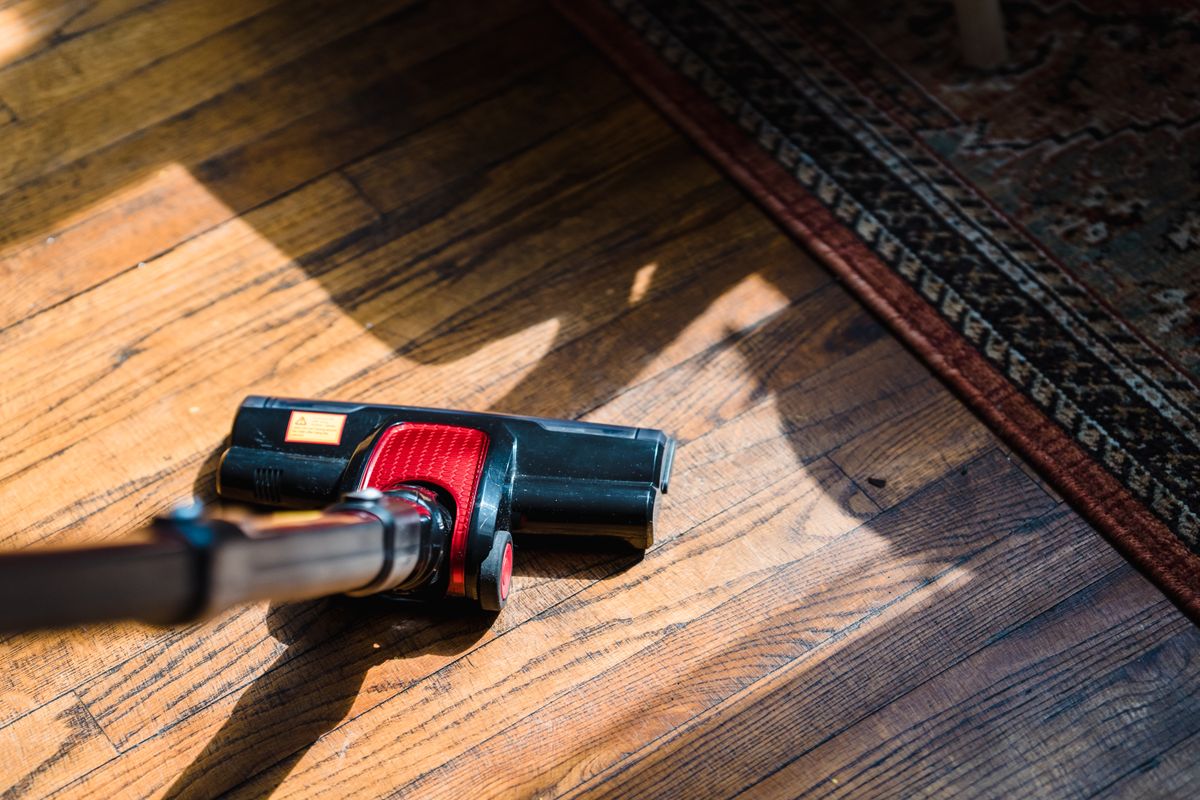
Photo by Liliana Drew on Pexels
- Turn off ignition and display screen to make dust and smudges clearly visible.
- Use 50,000 RPM Air Duster mode to blast away loose dust and sharp sand particles without touching the surface.
- Inspect gauge cluster acrylic under a soft light to ensure zero abrasive grit remains.
- Lightly spray distilled water or AR-safe cleaner onto a 300+ GSM 70/30 microfiber towel (NEVER directly on the screen).
- Wipe the screen in soft, straight linear motions—avoid firm circular scrubbing.
- Use a second dry side of the ultra-soft microfiber towel to lightly buff off residual moisture.
The Zero-Scratch Screen Cleaning Protocol
- Stage 1: Non-Contact Air Dusting → Yes: Proceed to Stage 2 once surface grit is 100% cleared using 50,000 RPM air blower.. No: DO NOT touch towel to screen while loose quartz dust is present..
- Stage 2: Solution Selection & Towel Dampening → Yes: Mist 300+ GSM 70/30 microfiber with 100% distilled water (0% ammonia, <70% IPA).. No: Never spray liquid directly onto screen bezels or digitizer gaps..
- Stage 3: Controlled Linear Physical Cleaning → Yes: Wipe in gentle, parallel horizontal lines applying less than 0.5 lbs of pressure.. No: Avoid circular buffing which creates swirl marks in clear acrylic..
- Stage 4: Residual Moisture Flash Buff → Yes: Lightly pass a clean, dry section of plush microfiber to remove water streaks.. No: Do not leave wet droplets to dry into mineral spots..
Quick-Reference Glovebox Screen Maintenance Card
- 1. Pre-Clean: Air blast display and cluster with 50,000 RPM air duster (0% contact).
- 2. Chemical Safety: Use 100% pure distilled water or AR-safe screen spray.
- 3. Towel Standard: 70/30 blend microfiber, 300+ GSM, laser-cut edge (no hard stitching).
- 4. Motion Rule: Linear horizontal passes only; zero heavy circular pressure.
- 5. Never Use: Paper towels, tissue paper, Windex, acetone, or isopropyl alcohol above 70%.
Pro Detailer Tip: Preserving Anti-Reflective (AR) Coatings
Modern vehicles feature vacuum-deposited optical anti-reflective (AR) coatings that measure less than 0.1 microns in thickness. These ultra-thin chemical layers absorb light reflections to keep touchscreen maps legible under direct sunlight. Ammonia (found in household window cleaners like Windex) and concentrated alcohols chemically strip this film, creating permanent hazy splotches across the screen.
To test if your screen has an active AR coating, drop a single microscopic droplet of distilled water on the corner. If it beads up tightly (high contact angle), an oleophobic and AR layer is present. Always maintain this coating by using non-contact air dusting prior to any wiping motion and cleaning strictly with 100% distilled water.
Interactive Screen Safety & Chemical Checker
Evaluate the risk level of your current interior cleaning supplies before touching your car's sensitive electronic displays.
Safe vs. Destructive Cleaning Methods Side-by-Side Matrix
| Method / Tool | Scratch Risk (1-10 Scale) | AR Coating Safety Status | Best Application Case |
| --- | --- | --- | --- |
| 50,000 RPM Air Duster (Non-Contact) | 1 / 10 (Zero Contact Risk) | 100% Safe (0% Chemical Risk) | Pre-cleaning loose sand, dust, pet hair, and crumb grit |
| 70/30 Microfiber + Distilled Water | 2 / 10 (Minimal Risk) | 100% Safe (No Chemical Stripping) | Removing skin oil fingerprints, smudges, and light haze |
| Dedicated AR-Safe Screen Cleaner | 2 / 10 (Low Risk) | 98% Safe (Verify 0% Ammonia) | Dissolving stubborn oily residues or dried spill spots |
| Isopropyl Alcohol (>70% Concentration) | 3 / 10 (Moderate Wear) | HIGH RISK (Strips AR Coatings) | Sanitizing hard plastic buttons (NEVER display screens) |
| Ammonia Glass Cleaners (Windex) | 4 / 10 (Chemical Stripping) | HIGH RISK (Permanent Discoloration) | Exterior glass only (NEVER interior screens or acrylic) |
| Paper Towels / Dry Facial Tissues | 9 / 10 (Extreme Scratching) | 50% Safe (Wood Fibers Cut Acrylic) | NEVER use on automotive touchscreens or gauge clusters |
Review how standard detailing tools and household cleaners score across scratch risk, chemical compatibility, and anti-reflective safety.
Recommended Non-Contact & Precision Cleaning Tools
To achieve a flawless, scratch-free finish on delicate car touchscreens and instrument panels, non-contact pre-dusting is essential. The Belibuy 6-in-1 Handheld Cordless Vacuum & Air Duster is engineered specifically for sensitive interior electronics.
- 50,000 RPM High-Speed Motor: Generates immediate air velocity to blast away sharp quartz sand, pet dander, and grit without physical screen contact.
- 19,000 Pa Dual-Function Suction: Instantly vacuum up dislodged dust from screen bezels, cup holders, and center console crevices.
- 0.81 lbs Ultra-Light Ergonomic Build: Compact design allows precise maneuverability around delicate gauge cluster acrylic and piano black trim.
- Washable HEPA Filter: Traps 99.97% of fine particles down to 0.3 microns, preventing recirculated dust from settling back onto fresh screens.
Screen & Instrument Cluster Maintenance Intervals
Photo by MART PRODUCTION on Pexels
- Weekly (Every 7 Days) — Perform a 30-second non-contact air blast using a 50,000 RPM air duster to remove daily settled dust without touching the screen.
- Bi-Weekly (Every 14 Days) — Inspect screen under light. If oily fingerprints are present, mist a 300+ GSM microfiber with distilled water and execute a gentle linear wipe.
- Monthly (Every 30 Days) — Clean edge bezels and button seams using the 6-in-1 micro-nozzle vacuum attachment. Wash HEPA filter with warm water and let dry 24 hours.
- Seasonally (Every 90 Days) — Check anti-reflective coating condition for signs of degradation. Inspect gauge cluster acrylic for micro-marring under direct LED light.
5 Destructive Mistakes That Ruin Car Displays
Avoid these 5 critical errors that lead to costly display replacements or permanent micro-scratching on gauge clusters and navigation screens.
Safe Cleaning Timeline & Dwell-Time Rules
- 0:00 - 0:45 (Seconds) — Shut off ignition. Power off screen display so smudges, dust particles, and oils are clearly visible against the black background.
- 0:45 - 2:00 (Minutes) — Blast high-pressure air across screen face, gauge cluster, and piano black trim using 50,000 RPM air duster mode to remove 100% of abrasive grit.
- 2:00 - 3:30 (Minutes) — Apply 2 sprays of 100% distilled water onto a 300+ GSM microfiber cloth. Never allow wet cloth to drip liquid onto dash trim.
- 3:30 - 5:00 (Minutes) — Pass dampened cloth across screen in soft horizontal lines. Buff off remaining moisture immediately with the dry reverse side.
Frequently Asked Questions About Automotive Screen Care
Can you remove micro-scratches from a car gauge cluster or infotainment screen?
Light surface micro-scratches on bare acrylic instrument cluster lenses can sometimes be safely polished out using dedicated plastic polishers (like Novus #2) and ultra-soft microfibers. However, modern touchscreens with anti-reflective (AR) or oleophobic coatings cannot be polished; attempting to polish screen glass will strip the optical coating unevenly, creating cloudy blotches. In those cases, applying a high-grade matte tempered glass protector can hide minor underlying micro-scratches.
Should you put a tempered glass screen protector on a car touchscreen?
Yes, installing a high-quality 9H tempered glass screen protector is highly recommended. It shields fragile factory anti-glare and anti-fingerprint coatings from fingernail scratches, ring contact, and sharp objects. If the protector gets scratched over time, it can be removed and replaced easily for around $15 to $25, preserving the several-thousand-dollar factory display unit underneath.
How do you safely clean glossy 'piano black' trim surrounding car displays without scratching it?
Glossy piano black plastic is even softer and more scratch-prone than screen glass. Clean it using the exact same non-contact protocol: first blast away loose grit with a 50,000 RPM air duster, then wipe gently using a damp 500+ GSM plush edgingless microfiber towel paired with 100% distilled water or a dedicated quick-detailer spray formulated for interior plastics.
Is distilled water safe for all modern EV and luxury car screens?
Yes, 100% distilled water is 100% safe for all modern EV, luxury, and standard automotive displays. Because distilled water has gone through steam distillation to remove 99.9% of minerals (calcium, magnesium, silica), it leaves zero hard-water mineral spots and will not react chemically with sensitive optical anti-glare coatings.
Related Interior Electronics Detailing Resources
- How to Clean Car Console Buttons: Safe 3-Phase Dust & Crumb Removal
- How to Clean Car Air Vents and Tight Crevices: A Step-by-Step Guide
- How to Clean Road Trip Crumbs in Car: 5-Min Rest Stop Guide
Your Next Cleaning Steps
Your decision: Transition from screen dusting to total dashboard and console maintenance.
Do this next: Incorporate non-contact air dusting prior to any physical wiping routine on all interior glass, acrylic, and piano black trim.
- Read next: How to Clean Car Air Vents and Tight Crevices
- Read next: Air Duster vs. Car Vacuum for Vents and Crevices: Which Works Best?
Belibuy 6-in-1 Handheld Cordless Vacuum & Air Duster for non-contact display preparation.
Cover photo by Gustavo Fring on Pexels.