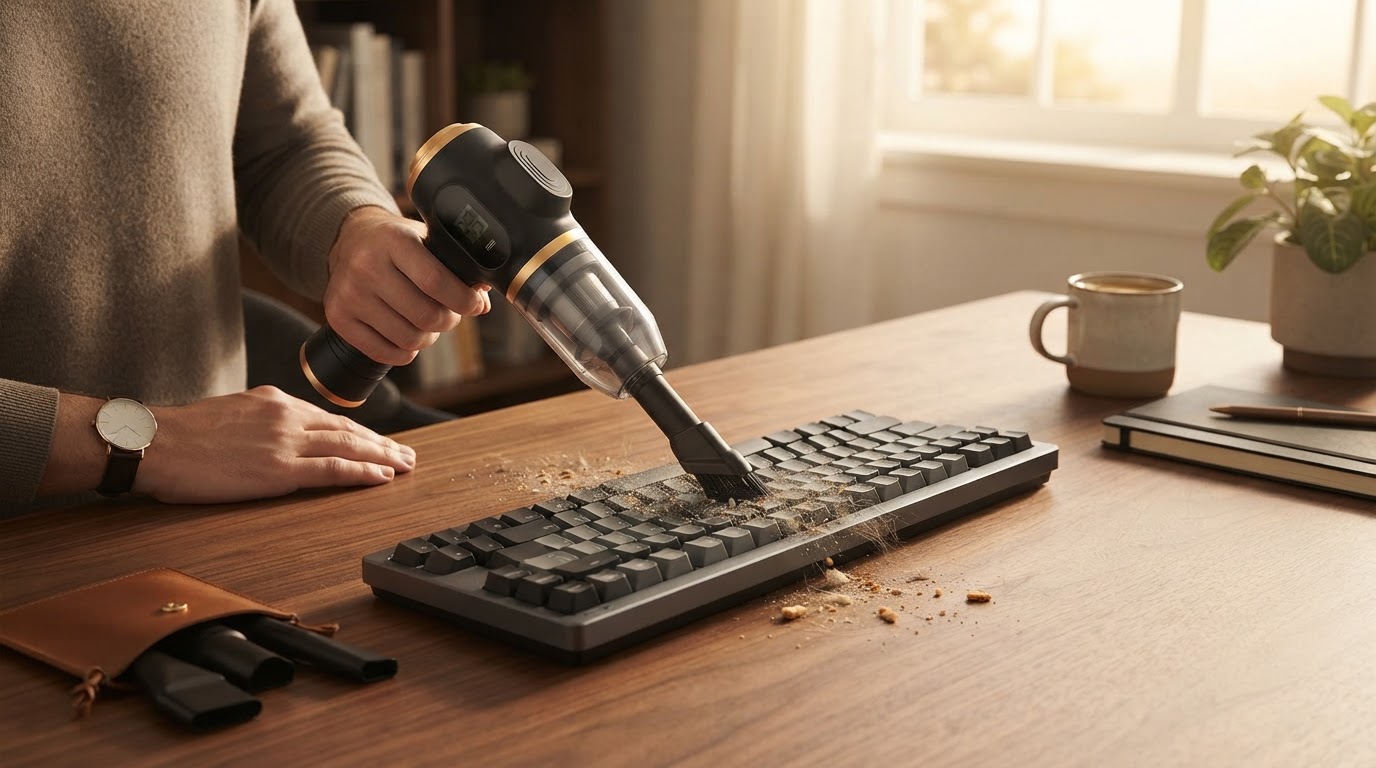
The Ultimate Guide to Cleaning and Dusting Computer Keyboards
Computer keyboards accumulate dust, crumbs, hair, and skin cells over time. Leaving this debris unnoticed can cause sticky switches, unresponsive keys, and unwanted bacterial growth. Cleaning your keyboard regularly preserves tactile performance and extends hardware lifespan.
Why Keyboard Dust Removal Matters
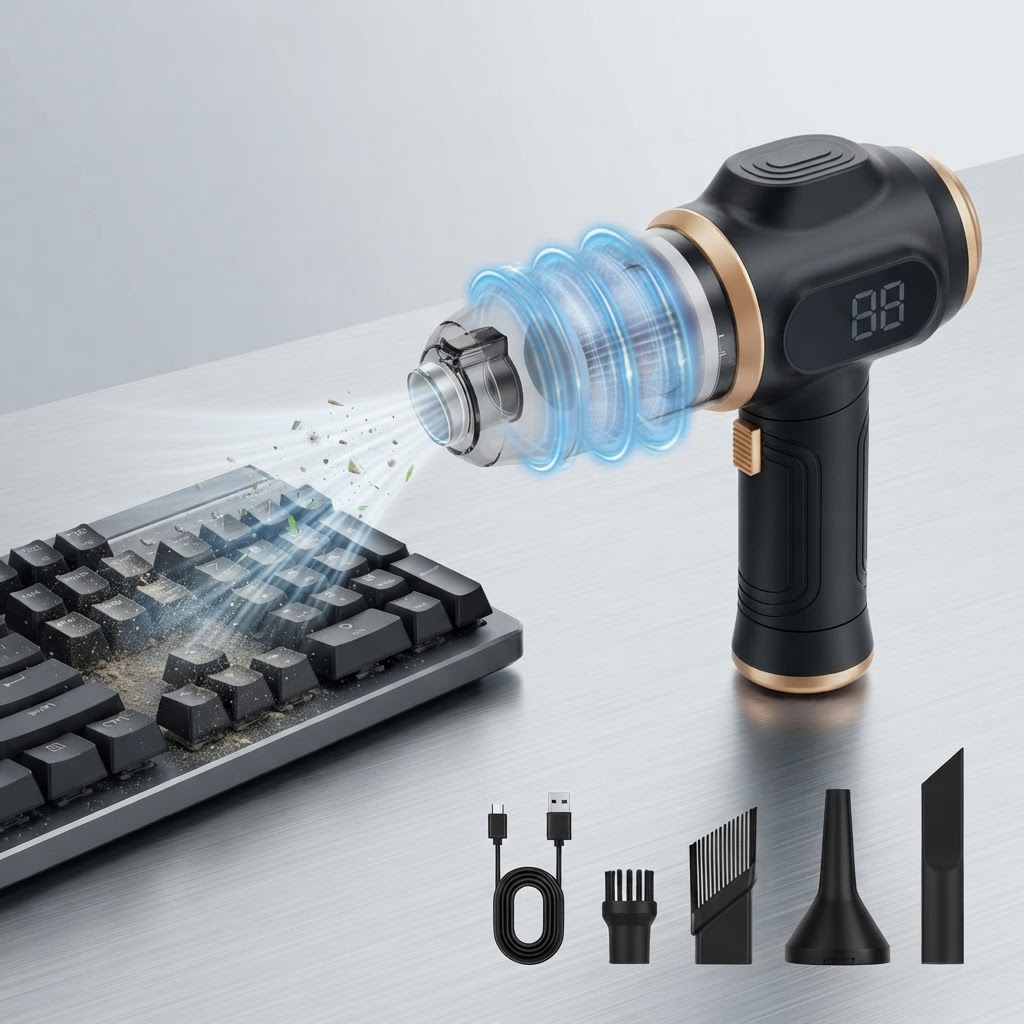
Every keystroke introduces micro-particles under keycaps. Dust particles as small as 0.3 microns can settle inside key switches or PCB contacts. Over time, debris build-up causes hardware malfunctions, sticky keystrokes, and aesthetic decay. Utilizing an effective cleaning routine prevents costly replacements and keeps your desk clean.
Essential Tools for Cleaning Keyboards
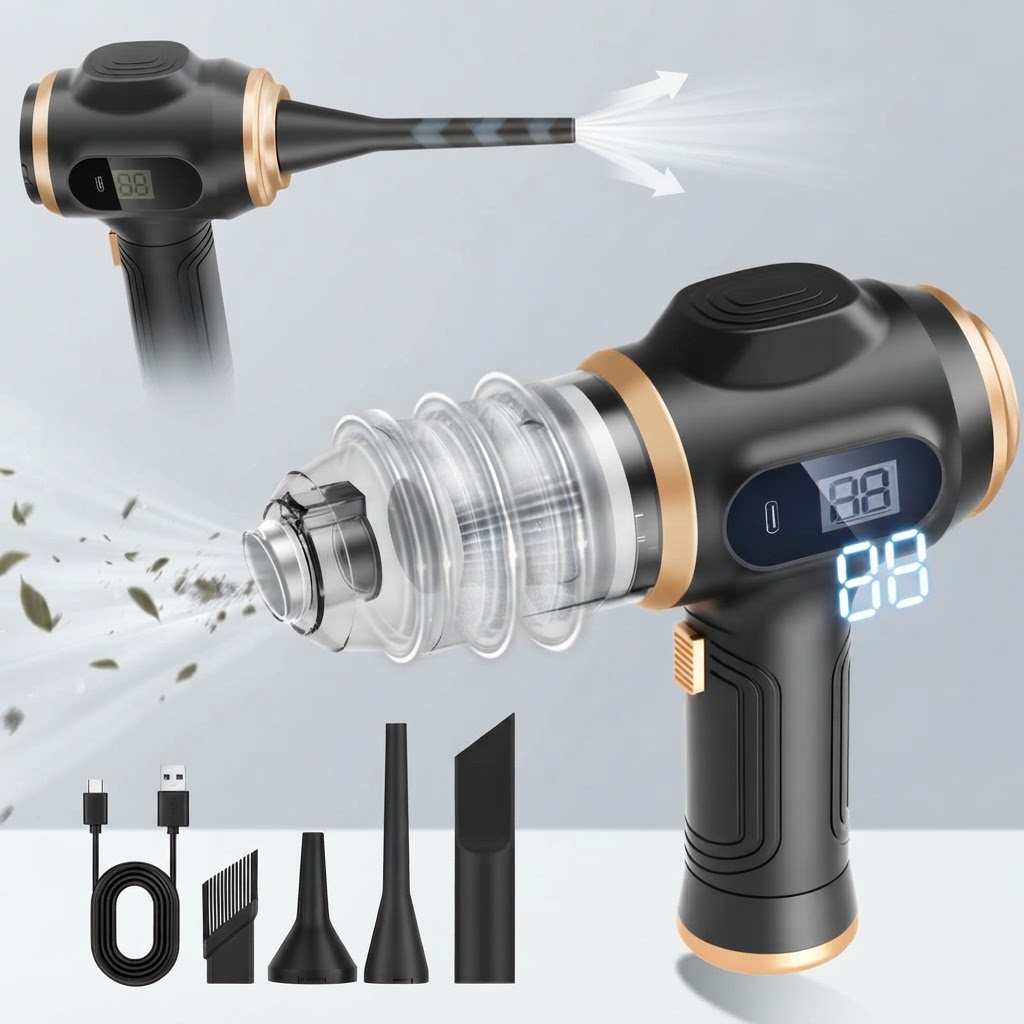
Having the right gear ensures you clean delicate electronics without damaging sensitive circuits. Common tools include micro-bristle brushes, microfiber cloths, keycap pullers, compressed air cans, and specialized handheld vacuums.
When selecting a vacuum or duster, look for strong suction power and targeted nozzle attachments. A high-efficiency tool like a 6-in-1 functionality (vacuum and air duster) model allows you to both blow away trapped dirt and immediately extract loose particles without pushing debris deeper.
Step-by-Step Deep Cleaning Process
Maintaining a Dust-Free Workspace
Regular quick maintenance prevents heavy buildup. Keeping a dedicated lightweight cleaning tool nearby makes daily upkeep effortless. An ultra-lightweight (0.81 lbs) unit with a cordless design can be kept on your desk for daily touch-ups after work sessions.Preventive Care and Electronics Safety
Always ensure your vacuum equipment features a washable HEPA filter so fine dust isn't recirculated back into your home or office air. Avoid using excess moisture or harsh solvents that could strip key legends or ruin internal circuitry.
Related in this cluster
- How to Clean Dust Out of Computer Keyboard Safely
- Air Duster vs Handheld Vacuum for Keyboards: Which Is Best?
- Why a 6-in-1 Cordless Vacuum is the Ultimate Keyboard Cleaner
- Keyboard Cleaning FAQ: Dust, Spills, and Maintenance
- 5 Fast Tips to Keep Your Keyboard Free of Dust
- Understanding Suction and Filtration in Electronics Cleaning