Ultimate Guide to Mechanical Keyboard Cleaning and Maintenance
Mechanical keyboards are essential tools for gamers, writers, and professionals, but their design makes them prone to accumulating debris. Food crumbs, skin flakes, pet hair, and airborne dust easily drop into the gaps between keycaps and settle directly onto the top plates or around delicate mechanical switches. Over time, this buildup can obstruct switch actuation, cause sticky keys, and spoil the aesthetic of your setup. Learning how to clean mechanical keyboard crumbs effectively is critical to keeping your equipment responsive and hygienic.
Why Mechanical Keyboards Trap Dust and Crumbs
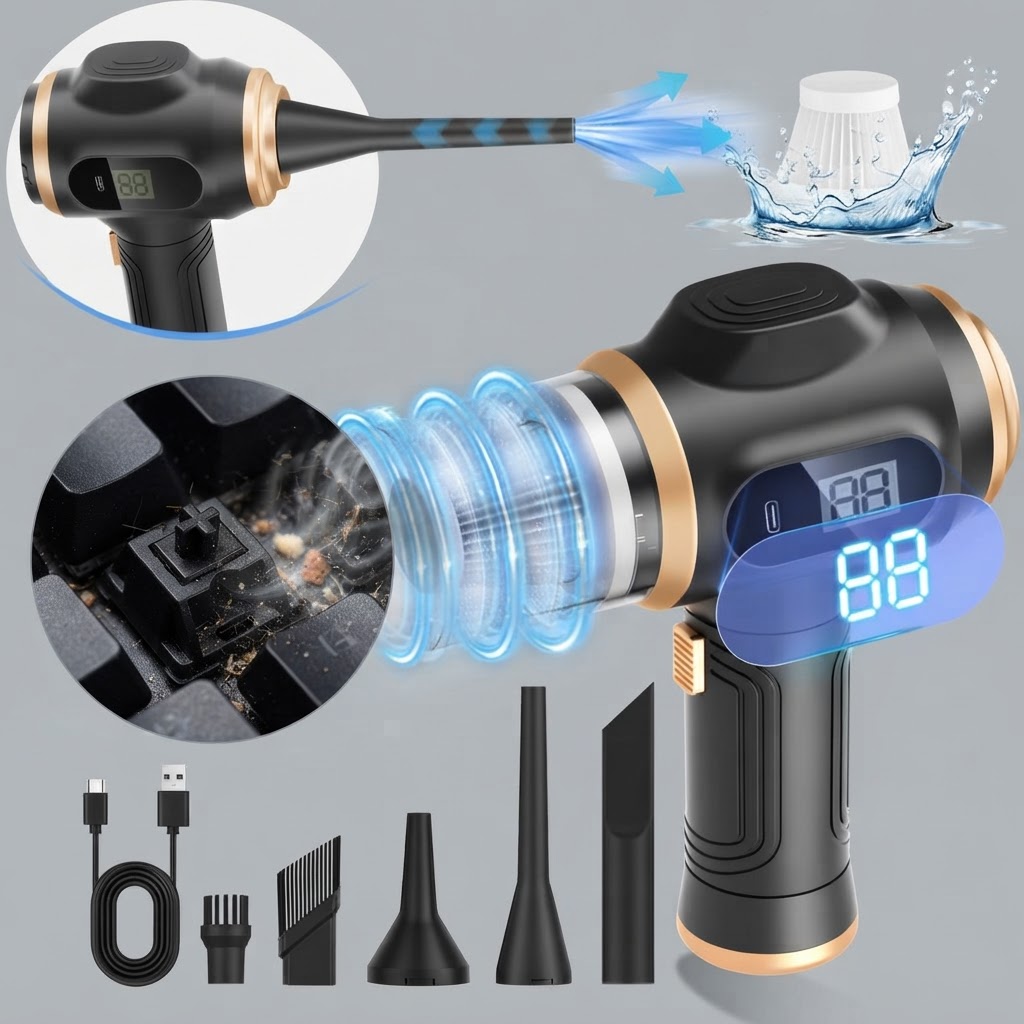
Unlike low-profile membrane keyboards, mechanical keyboards feature elevated keycaps mounted on individual mechanical switches. This design creates deep channels where debris easily gets trapped. Everyday habits like eating at your desk or allowing pet hair to settle into your workspace lead to crumbs falling into areas that normal wiping cannot reach. Left untreated, fine particulates down to tiny fractions of a millimeter can mix with oils from your fingers and form stubborn grime around switch stems.
Preparing Your Workspace for Safe Keyboard Cleaning
Before starting any cleaning process, always disconnect your keyboard from your computer. If it is a wireless model, turn off the power switch to prevent accidental keystrokes or short circuits. Clear a flat surface and ensure you have gentle cleaning tools on hand. Having a designated place to arrange keycaps will prevent lost parts while working.
To clean safely, avoid using harsh industrial chemicals or pouring liquids directly onto keycaps. Instead, rely on dedicated electronic cleaning tools such as soft bristle brushes, dedicated cleaning vacuums, and microfiber towels. Maintaining a steady cleaning routine prevents heavy grime buildup, making routine upkeep fast and simple.
Removing Crumbs Without Damaging Mechanical Switches
When tackling stubborn crumbs lodged beneath keycaps, physical removal must be done carefully. Using dedicated pullers allows keycaps to be removed without applying lateral torque to sensitive switch stems. Once keycaps are removed, loose debris can be dislodged with targeted air displacement or direct suction.
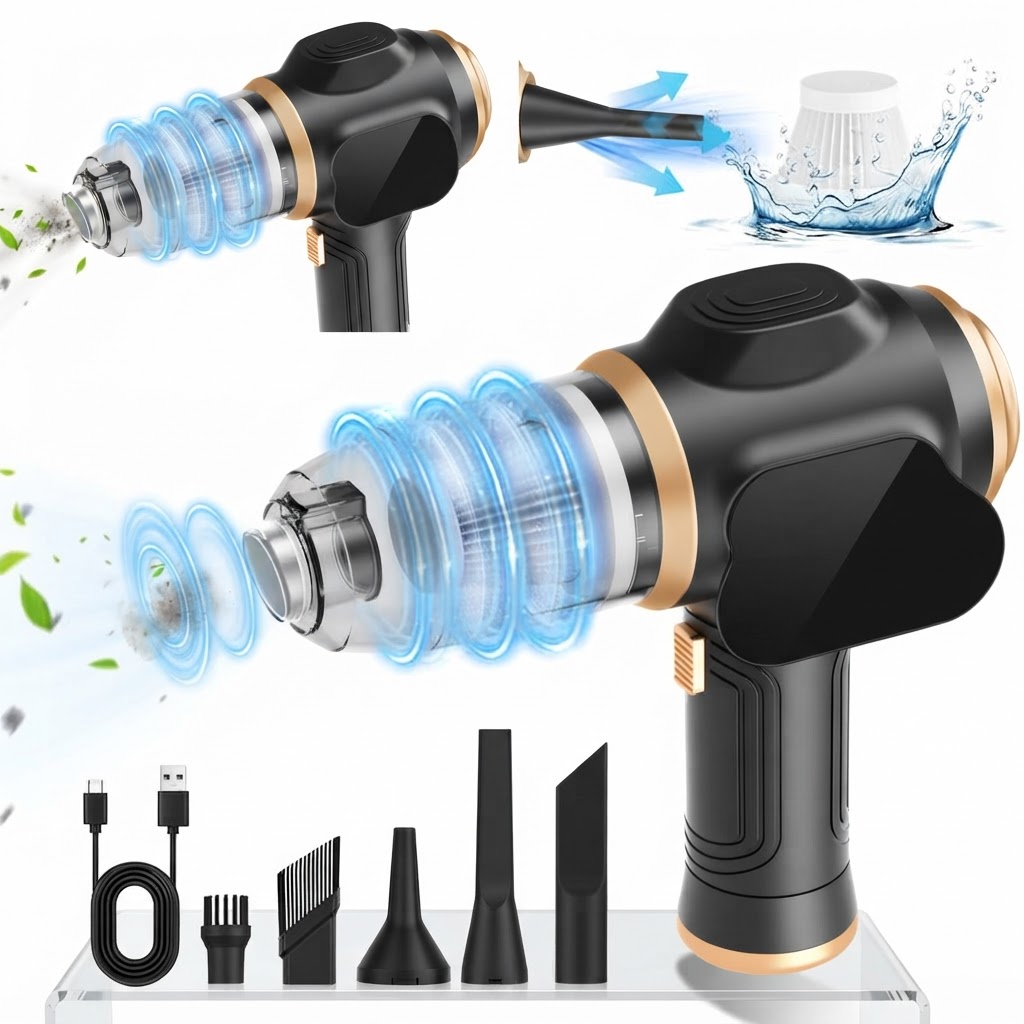
For general maintenance, tools equipped with high rotational velocity help clear stubborn particles quickly. Utilizing an handheld vacuum with a high performance motor, such as a 50,000 RPM motor delivering 19000Pa suction power, ensures that crumbs trapped between tight key spacing are pulled out cleanly without needing to strip down every individual component every time.
Blow vs. Vacuum: Choosing the Right Cleaning Strategy
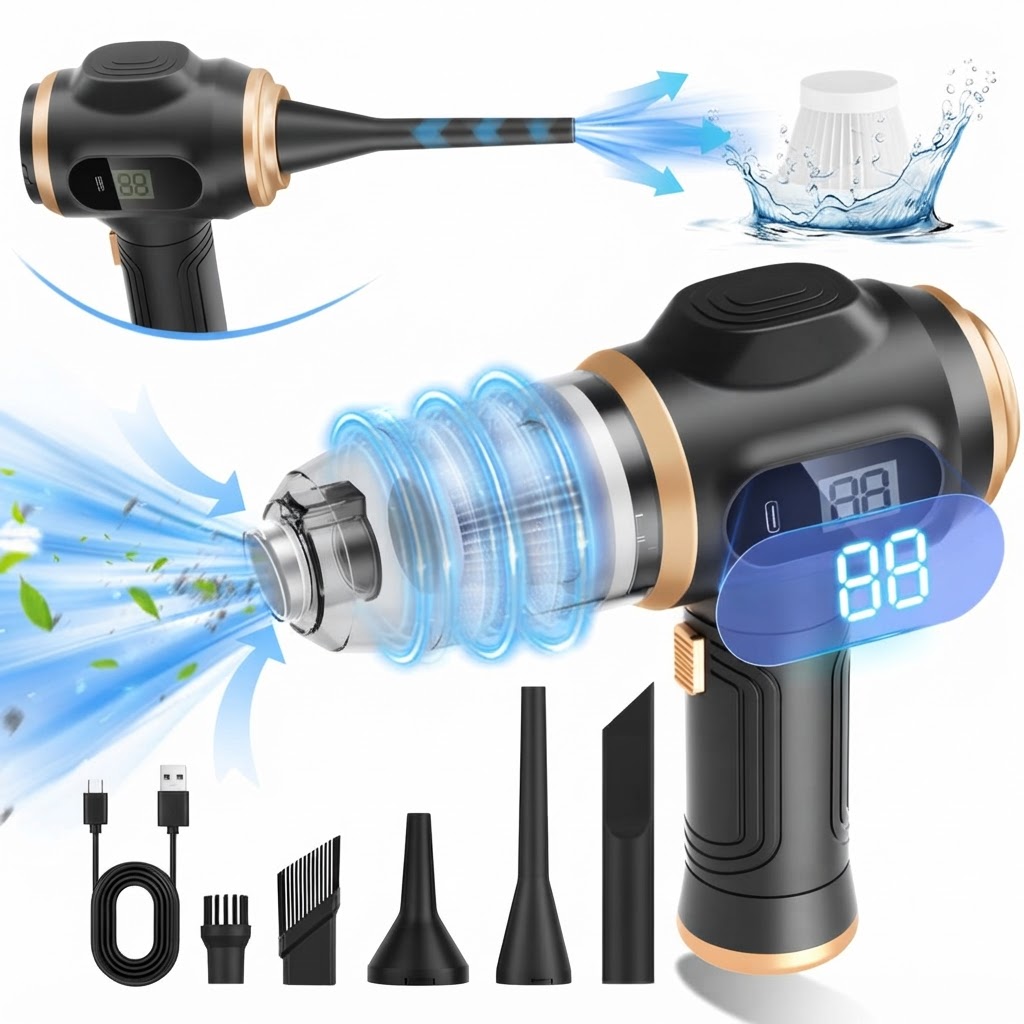
When deciding how to handle keyboard debris, users generally choose between blowing dust away or vacuuming it out. Blowing air into key gaps can dislodge heavy crumbs, but it risks scattering dust back into the room or pushing micro-particles deeper inside switch housings. Using direct suction traps debris inside a dedicated container for clean disposal.
Multi-functional devices offering 6-in-1 functionality (vacuum and air duster) give you the flexibility to dislodge stubborn debris with air blowing before immediately vacuuming up loose particles. Lightweight handheld units, like an ultra-lightweight (0.81 lbs) cordless design, allow precise control around keycaps without causing wrist fatigue during longer cleaning sessions.
Routine Care for Long-Term Peripheral Performance
Maintaining a clean desk environment requires simple ongoing habits. Performing a quick clearance of loose crumbs once a week prevents buildup from hardening. Keep your cleaning device ready by monitoring battery indicators; units featuring a smart display with charge indicator make it easy to know when your tool is powered up for quick desk touch-ups. Ensure your vacuum utilizes a washable HEPA filter so fine dust particles are captured cleanly rather than blown back onto your clean desk setup.
Related in this cluster
- How to Clean Mechanical Keyboard Crumbs: Step-by-Step
- Air Duster vs. Vacuum for Mechanical Keyboard Cleaning
- Why the 6-in-1 Portable Vacuum is Ideal for Keyboard Cleaning
- Mechanical Keyboard Cleaning FAQs: Methods and Best Practices
- 5 Common Desk Dust Traps (And How to Clean Them)
- How to Safely Remove Fine Dust Down to 0.3 Microns from PC Gear