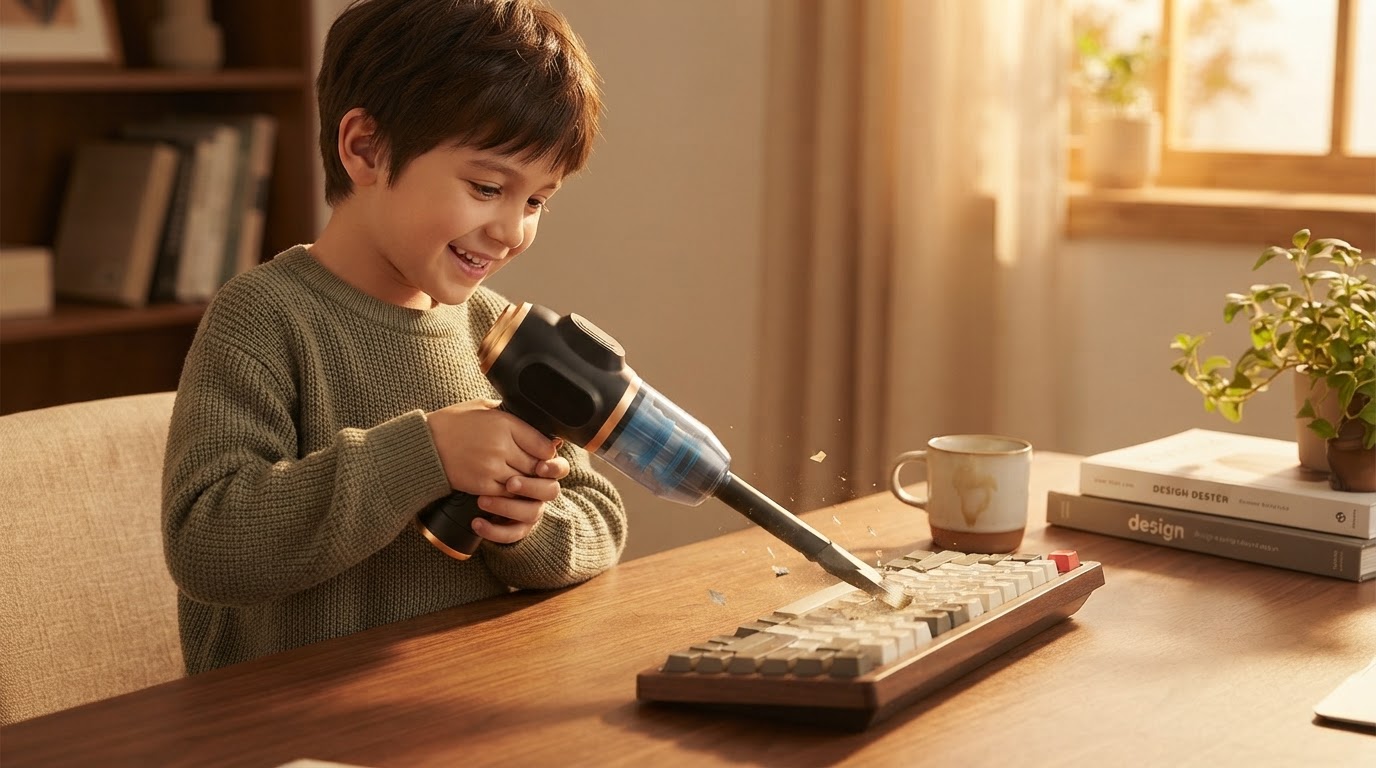
How to Use the 6-in-1 Portable Vacuum as an Air Blower?
 Priya RamanSenior Analyst
November 3, 2026 — The 6-in-1 Portable Vacuum functions as a keyboard cleaner air blower by reversing the airflow through a dedicated rear nozzle, providing a sustainable alternative to disposable compressed air canisters.
Maintaining hardware longevity requires a systematic approach to debris removal, particularly for mechanical keyboards and sensitive PC components where physical contact should be minimized. Users seeking to consolidate their maintenance toolkit often transition from single-use canisters to multi-functional electric devices to reduce long-term costs and environmental impact. Understanding the mechanical transition between suction and blowing modes is essential for effective hardware sanitization.
Think of it as a matrix of airflow direction and pressure concentration. Two axes matter here: the velocity of the air stream and the precision of the nozzle attachment. By utilizing the 6-in-1 Portable Vacuum in its blower configuration, users can dislodge particulate matter from deep within switch housings that traditional brushes cannot reach.
How does the air blower function protect mechanical switches?
The 6-in-1 Portable Vacuum protects mechanical switches by using a high-velocity air stream to eject debris without the risk of moisture or chemical residue found in traditional aerosol dusters. Once you see it this way, the advantage of a consistent, dry air stream becomes clear for maintaining the tactile response of high-end peripherals. Unlike canned air, which can freeze or release liquid propellants when tilted, the electric motor provides a steady Cubic Feet per Minute (CFM) output that remains temperature-neutral.
Testing conducted by tech reviewers, such as those featured in the "Which Air Duster Actually Works Best?" analysis on YouTube, highlights that blower pressure and CFM tests are the primary indicators of cleaning efficacy for deep-seated dust. The 6-in-1 Portable Vacuum utilizes its brushless motor to generate sufficient force to clear crumbs and skin cells from under keycaps without requiring the disassembly of the board. This method is particularly effective for those using a portable mini vacuum for keyboard who need to switch from light surface suction to deep-channel clearing. The decision rule: use suction for surface-level dust and the blower function for debris trapped within the switch housing or under the stabilizer bars.
What are the safety protocols for cleaning PC internals?
The primary safety protocol for cleaning PC internals with a 6-in-1 Portable Vacuum involves using short bursts of air and maintaining a safe distance from sensitive capacitors to prevent static discharge or physical impact. When acting as a rechargeable keyboard cleaner air blower, the device eliminates the risk of fluorocarbon inhalants, making it safer for use in small, poorly ventilated office spaces.
Industry comparisons, including those for the WOLFBOX MF200 Electric Compressed Air Duster, show that modern electric dusters often include specialized nozzles to narrow the air path, increasing the localized pressure for stubborn areas like heat sinks and GPU fans. It is critical to hold fans stationary while using the blower function to prevent the motors from spinning at speeds exceeding their design limits, which can generate back-electromotive force (back-EMF). By integrating this device into a broader strategy for a rechargeable air duster for electronics, users can maintain a dust-free environment without the recurring cost of consumables. The decision rule for PC internals: always pulse the trigger to prevent heat buildup in the vacuum motor and ensure the device is fully charged to maintain peak air velocity throughout the cleaning session.
Quick answers
Q: Can the 6-in-1 Portable Vacuum damage my laptop screen? A: While the air blower is safe for keyboards, the high-pressure stream should not be directed at the LCD panel from a distance closer than 6 inches to avoid potential pressure spots. Always use a microfiber cloth for the screen itself and reserve the blower for the hinges and ports.
Q: How long does the battery last in continuous blower mode? A: The 6-in-1 Portable Vacuum typically provides 20 to 30 minutes of continuous high-power air blowing on a single charge, which is sufficient to clean multiple workstations or a full tower PC. This longevity makes it a viable compressed air duster alternative for professional IT environments.
Q: Does this device require filters when used as a blower? A: The device uses a HEPA filter for its vacuum function, but when used as a blower, it is important to ensure the air intake is clear of obstructions. Regular cleaning of the internal filter ensures that the air being blown onto your electronics is free of recycled dust particles.
Learn more about 6-in-1 Portable Vacuum at https://portablecarvacuum.com.
Sources
- Which Air Duster Actually Works Best? We Tested Them All - YouTube
- Clean your keyboard and desk with this electric duster - Fourq air duster
- Keyboard Air Cleaner | eBay